

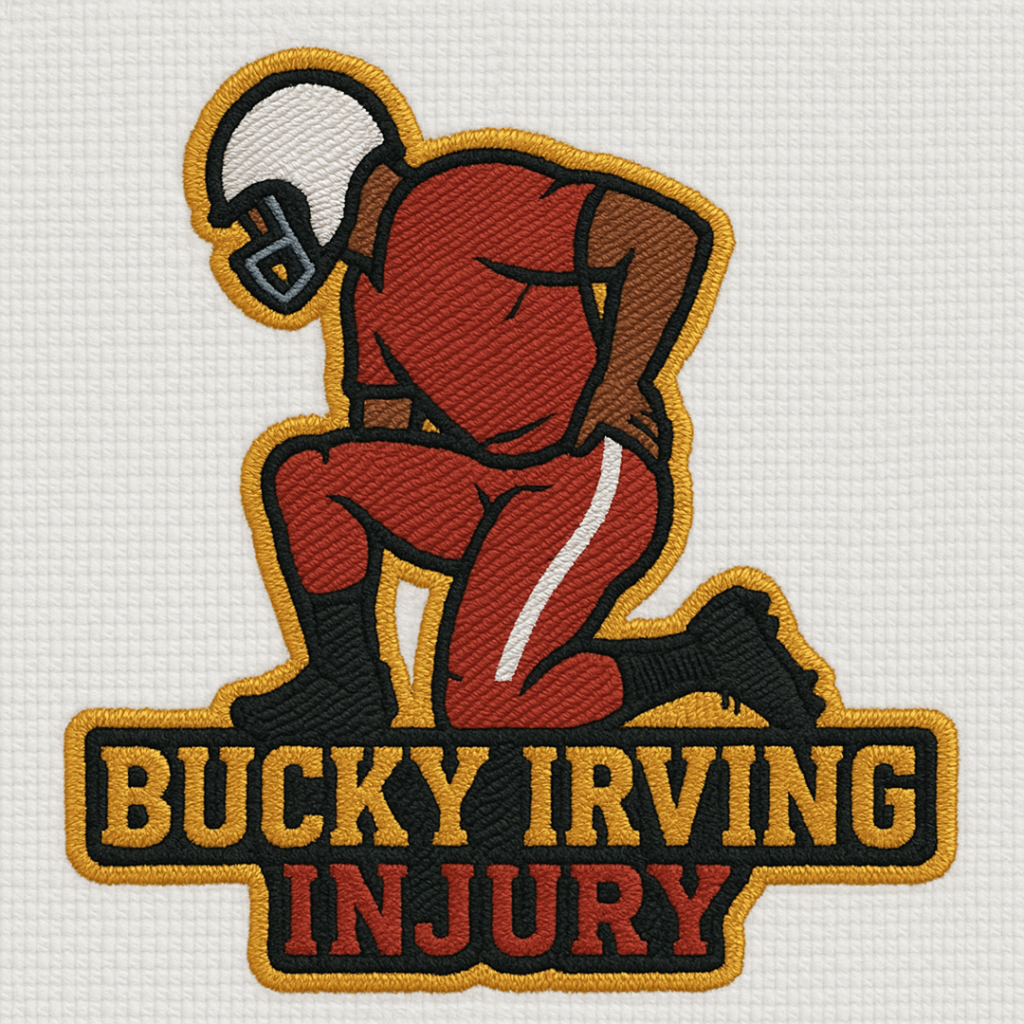
Embroidery digitizing is the bridge between digital artwork and stitched embroidery. It transforms logos, images, or designs into a stitch file that an embroidery machine can read and sew on fabric. Without this step, no embroidery machine—no matter how advanced—can reproduce a design accurately.
In today’s world, where brands, schools, and companies rely heavily on custom embroidery for uniforms, caps, jackets, and promotional products, understanding embroidery digitizing has become essential. Whether you run an embroidery business, work as a designer, or are simply curious about how logos end up on clothing, this guide will help you understand every part of the process clearly and practically.
1. What Exactly Is Embroidery Digitizing?
Embroidery digitizing is the technical process of converting artwork—such as a company logo, symbol, or illustration—into a digital stitch file. This file contains instructions that tell the embroidery machine where to place each stitch, what type of stitch to use, and in what order the machine should sew each element of the design.
Think of digitizing as writing a detailed “road map” for the embroidery machine. The digitizer determines how the machine will travel across the design, how dense the stitches will be, what direction they will take, and how each area will be layered.
Contrary to popular belief, embroidery digitizing is not an automated process. Although modern software assists digitizers, it still requires human skill, experience, and artistic understanding. A professional digitizer considers fabric type, thread thickness, garment stretch, and color balance before creating a final machine file.
2. Why Is Embroidery Digitizing So Important?
a) Ensures Quality Results
A well-digitized file guarantees smooth, consistent stitching. If a design is digitized poorly, the embroidery may appear distorted, uneven, or messy. Proper digitizing eliminates gaps, prevents thread breaks, and ensures that text remains legible even at small sizes.
b) Machine Compatibility
Embroidery machines cannot interpret standard image formats like JPEG, PNG, or PDF. They require specific machine-readable stitch files such as DST, PES, or EXP. Digitizing converts artwork into these specialized formats so the embroidery machine can operate correctly.
c) Efficiency and Consistency
Good digitizing makes production faster and more reliable. Once a design has been digitized correctly, it can be reproduced thousands of times with consistent quality across shirts, caps, or patches.
d) Cost-Effectiveness
Accurate digitizing minimizes trial and error, reduces thread waste, and saves time on machine adjustments. For embroidery businesses, this translates to lower production costs and faster delivery times.
e) Professional Appearance
Digitizing directly affects brand image. When logos appear clean and professional on garments, they enhance brand credibility and visual appeal.
3. Who Performs Embroidery Digitizing?
Digitizing is typically handled by a professional digitizer—an expert who understands both design software and embroidery machines. These specialists interpret the artwork and create a digital version optimized for stitching.
Many embroidery businesses hire experienced digitizers, while others use in-house teams equipped with advanced digitizing software. The key is skill and attention to detail. A trained digitizer knows how different fabrics behave under tension and which stitch styles deliver the best results.
4. The Step-by-Step Process of Embroidery Digitizing
Step 1: Artwork Preparation
Before digitizing begins, the artwork must be clean and clear. High-resolution vector files (AI, EPS, or SVG) are preferred because they can be scaled without losing quality. The digitizer analyzes the design to determine suitable stitch types, colors, and sewing order.
Step 2: Setting Design Size and Placement
The intended use of the embroidery determines its size and stitch structure. A 4-inch left-chest logo, for example, requires different settings than a 10-inch jacket back. Text size, garment type, and position all influence the digitizing process.
Step 3: Choosing Stitch Types
Different stitch types are used to achieve specific visual and structural effects:
- Running Stitch: Ideal for outlines and fine details.
- Satin Stitch: Used for text and borders, providing a smooth, raised appearance.
- Fill (Tatami) Stitch: Covers large areas evenly and is perfect for solid shapes.
A professional digitizer carefully selects stitch types based on the design’s detail and the fabric’s texture.
Step 4: Applying Underlay and Density
Underlay stitches are the foundation that stabilize fabric before the main stitches are applied. They prevent distortion and improve coverage. Stitch density—how tightly the threads are packed—affects the design’s appearance, texture, and durability.
Step 5: Determining Stitch Direction and Pathing
Pathing defines the sequence in which the machine stitches the design. Efficient pathing reduces thread trims, jump stitches, and overall run time. A logical path also prevents thread buildup and ensures a smoother finish.
Step 6: Saving in the Correct Machine Format
After digitizing, the design is saved in the required format for the embroidery machine—such as DST, PES, JEF, or EXP. Each brand of machine reads a specific file type, so choosing the right one is critical.
Step 7: Test Stitch-Out
Before mass production, a sample is stitched to evaluate the design’s quality. The test helps detect errors like incorrect densities, thread breaks, or misalignment. Once adjustments are made, the design is ready for production.
5. Key Terms in Embroidery Digitizing
To understand embroidery digitizing fully, it helps to know some key terminology:
- Underlay: Base stitches that stabilize the fabric.
- Satin Stitch: A smooth, dense stitch used for lettering and outlines.
- Fill Stitch: A pattern of stitches that covers larger areas of a design.
- Pathing: The order and direction in which stitches are applied.
- Pull Compensation: Adjustments made to prevent distortion caused by fabric tension.
- Density: The number of stitches within a specific area.
- Stitch Count: The total number of stitches in a design, which affects cost and machine time.
- Color Stops: Points where the machine stops to change thread colors.
6. Common Embroidery File Formats
Different embroidery machines require different file formats. Some of the most common include:
| File Format | Common Use | Description |
|---|---|---|
| DST | Tajima Machines | The most widely used industrial format. |
| PES | Brother, BabyLock | Common in home and small business embroidery. |
| EXP | Melco and Bernina | Used for commercial embroidery machines. |
| JEF | Janome Machines | Popular for domestic embroidery. |
| VP3 | Husqvarna and Pfaff | Preferred by certain advanced home machines. |
Choosing the correct format ensures your embroidery machine interprets the file accurately and prevents production issues.
7. Real-World Examples of Embroidery Digitizing
Example 1: Jacket Back Logo
A large, complex logo requires multiple stitch types and layers. The digitizer uses fill stitches for broad areas, satin stitches for borders, and adds underlay to stabilize heavy fabric. Proper pathing prevents puckering and ensures smooth coverage.
Example 2: Cap Front Design
Because caps have a curved surface, the digitizer compensates for distortion by adjusting stitch angles and densities. Text is simplified for readability, and pathing is optimized to minimize jump stitches.
Example 3: Custom Patches
When digitizing patches, the design is digitized with an edge border and sometimes a Merrow-style outline. Backing type—iron-on, Velcro, or plain—affects the density and underlay choices.
These examples show how one artwork can be digitized differently depending on where it will be stitched.
8. Tips for Choosing a Professional Digitizing Service
- Check Experience: Work with digitizers who understand different fabrics, machine types, and embroidery limitations.
- Ask for Samples: A good service provides sample stitch-outs or previews for quality assurance.
- Clarify Turnaround Time: For urgent jobs, confirm the delivery schedule and rush charges.
- Verify File Compatibility: Ensure the service can deliver files that match your embroidery machines.
- Review Revisions Policy: Choose services that allow reasonable revisions without extra cost.
- Look for Consistency: The same design should produce consistent results across different garments.
High-quality digitizing services can make a significant difference in your embroidery business, reducing production errors and improving customer satisfaction.
9. Common Problems and How to Fix Them
| Problem | Likely Cause | Recommended Solution |
|---|---|---|
| Text too small or unclear | Incorrect stitch type or density | Increase size or use satin stitches. |
| Fabric puckering | Too many stitches or no underlay | Reduce density and add stabilizing underlay. |
| Thread breaks during run | Poor pathing or long jumps | Re-sequence pathing and shorten stitch runs. |
| Design distortion | No pull compensation | Adjust compensation to match fabric behavior. |
| Uneven fill areas | Wrong stitch angle or overlap | Correct angles and ensure smooth transitions. |
Understanding these issues helps you communicate effectively with your digitizer or make corrections in-house.
10. Frequently Asked Questions (FAQs)
Q1. What is embroidery digitizing in simple words?
It is the process of converting artwork into a digital file that guides an embroidery machine to sew a design with threads.
Q2. Can I use a picture or logo for embroidery directly?
No. A standard image file cannot be read by embroidery machines. It must first be digitized into a stitch file.
Q3. How long does digitizing take?
Depending on complexity, a simple logo may take 30 minutes, while a detailed jacket back may require several hours.
Q4. What affects digitizing quality?
Factors include fabric type, stitch density, underlay technique, and digitizer experience.
Q5. Do I need special software to digitize?
Yes. Professional embroidery digitizing software is required to create and edit stitch files.
Q6. Can any design be digitized?
Almost any design can be digitized, but very fine details or gradients may need simplification for embroidery.
Q7. Why does digitizing cost extra?
Because it involves specialized skill, time, and testing to ensure perfect stitching results.
Q8. What is a stitch count and why does it matter?
Stitch count refers to the total number of stitches in a design. It affects production time, cost, and machine wear.
11. Best Practices for High-Quality Embroidery Digitizing
- Use clear, high-resolution artwork.
- Specify garment type and size before digitizing.
- Keep small lettering simple and bold.
- Adjust stitch density according to fabric weight.
- Always perform a test stitch before final production.
- Save both the editable and machine-ready versions of the file.
Following these best practices ensures that your embroidery projects look professional and last longer.
12. Summary
Embroidery digitizing is the heart of every embroidery project. It transforms creative ideas into precise machine instructions that produce beautiful, durable stitched designs. From small logos on caps to large back pieces on jackets, the success of embroidery depends on accurate and thoughtful digitizing.
Whether you’re a hobbyist or managing a large-scale embroidery business, understanding what is embroidery digitizing helps you appreciate the craftsmanship and technology behind every thread. Investing in professional digitizing—or learning the skill yourself—can elevate your results, reduce production costs, and deliver top-quality embroidery your customers will love.
Call to Action
If you’re ready to take your embroidery quality to the next level, start by reviewing your current digitized files. Evaluate their stitch count, fabric compatibility, and overall results. For new designs, ensure that they’re digitized by experienced professionals who understand your fabric and brand requirements.
A well-digitized file is more than just a technical necessity—it’s the foundation of every successful embroidery project.